

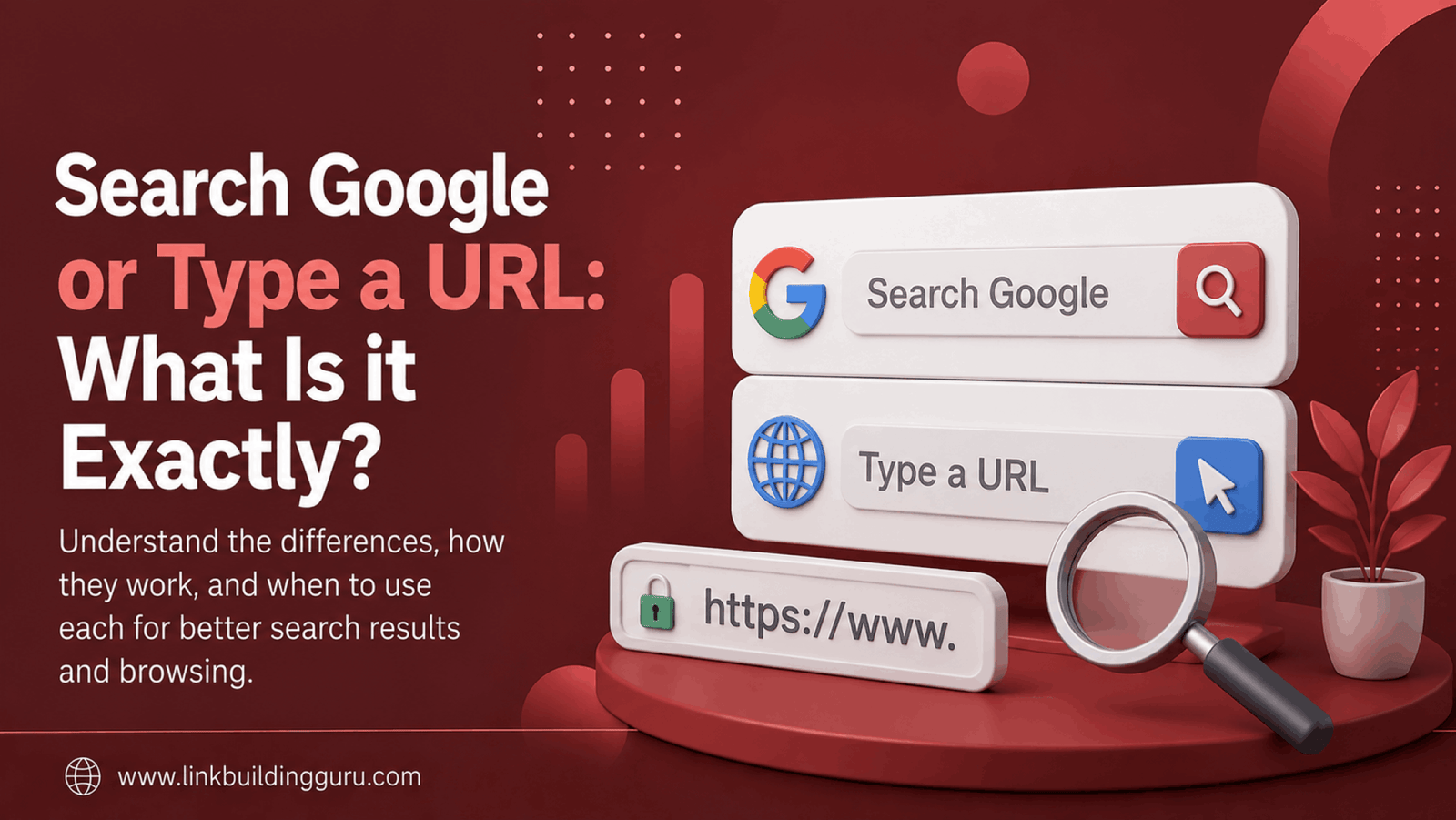
You open your browser, and there it is. A simple text box with the words “Search Google or type a URL.” This phrase appears millions of times daily on screens worldwide. Yet many users don’t fully understand what it means or how to use it effectively.
This guide breaks down everything you need to know about this browser feature. We’ll explore how it works, when to use each option, and how it affects your browsing experience. Whether you’re a casual internet user or an SEO professional, understanding this basic feature can improve how you navigate the web.
What Does “Search Google or Type A URL” Mean?
The phrase “Search Google or type a URL” is a prompt in your browser’s address bar. It tells you that this single field serves two purposes. You can either search for something using Google’s search engine or enter a specific web address directly.
This dual-purpose design is called the Omnibox in Google Chrome. Other browsers have similar features with different names. The Omnibox combines the traditional search box and address bar into one convenient location.
According to Google’s official Chrome support documentation, the Omnibox was designed to simplify web navigation. Before this innovation, browsers had separate fields for searches and URLs.
Understanding the Two Options
Option 1: Search Google
When you type words, phrases, or questions into the Omnibox, your browser treats them as a search query. It sends these terms to Google, which returns relevant results. This is the most common way people use the internet today.
For example, typing “best pizza near me” triggers a Google search. You’ll see a results page with local pizza restaurants, reviews, and maps. This method works great when you don’t know the exact website you need.
Learning how to drive organic traffic to your website depends heavily on understanding how these searches work. When users search for topics related to your business, you want your site to appear in those results.
Option 2: Type a URL
A URL (Uniform Resource Locator) is a website’s specific address. When you type a complete URL like “www.example.com,” your browser takes you directly to that site. No search engine is involved in this process.
URLs follow a specific format. They typically include:
- Protocol: Usually “https://” or “http://”
- Domain name: The website’s unique name (like “google.com”)
- Path: The specific page location (like “/about” or “/contact”)
You can skip typing “https://” in most modern browsers. Simply entering “google.com” will work just fine. The browser adds the protocol automatically.
When Should You Use Each Option?
Knowing when to search versus when to type a URL saves time. Here’s a simple breakdown:
Use Google Search When:
- You don’t know the exact website address
- You want to compare multiple sources
- You’re researching a topic broadly
- You’re looking for local businesses or services
- You want to find news or current information
Type a URL When:
- You know the exact website you want to visit
- You’ve bookmarked a page and remember its address
- You’re accessing a site you use frequently
- You want to avoid clicking through search results
- You need to access a specific page directly
Website owners and SEO professionals track these behaviors closely. Understanding the SEO metrics that actually matter helps businesses optimize for both search traffic and direct visits.
How Search Engines Process Your Input
Your browser uses smart detection to figure out what you’re trying to do. Here’s how it works:
When you press Enter, the browser analyzes your input. If it looks like a URL (contains “.com,” “.org,” or similar), it tries to load that address. If it looks like words or a question, it performs a Google search.
The Google Search documentation explains that the search engine processes billions of queries daily. Complex algorithms determine which results best match your query.
This process happens in milliseconds. The browser’s ability to distinguish between searches and URLs makes web navigation seamless for everyone.
The Impact on SEO and Website Visibility
Understanding how users interact with the Omnibox matters for SEO. When someone types your URL directly, that’s called direct traffic. When they find you through a search, that’s organic traffic.
Both traffic types are valuable. Direct traffic often indicates brand recognition. Organic traffic shows your SEO efforts are working. Smart businesses focus on building both.
A solid link building strategy improves your search visibility. The more quality backlinks your site has, the higher it ranks when users search for relevant terms.
Building Brand Recognition
When users remember your URL and type it directly, you’ve achieved something special. This behavior indicates strong brand awareness and loyalty. These visitors are often your most valuable audience.
Companies invest heavily in memorable domain names for this reason. A short, catchy URL is easier for users to remember and type directly.
Optimizing for Search
Most website traffic still comes from searches. According to 1Solutions, optimizing your content for search engines remains essential for online success.
Professional SEO services focus on helping your site rank for relevant search queries. When users type questions or keywords related to your business, you want your website to appear prominently in results.
Common Mistakes Users Make
Even experienced internet users sometimes struggle with the Omnibox. Here are common errors to avoid:
- Adding spaces in URLs: Web addresses never contain spaces. If you add one, your browser will search instead of navigating.
- Misspelling domain names: Typos lead to error pages or potentially harmful sites. Double-check your spelling.
- Confusing search suggestions with URLs: Browser suggestions can be previous searches or URLs. Choose carefully.
- Using the wrong top-level domain: Typing “.com” when the site uses “.org” takes you to the wrong place.
If you encounter a 404 status code, you’ve likely typed an incorrect URL or the page no longer exists. This error tells you the server couldn’t find the requested page.
Security Considerations
The Omnibox also plays a role in online security. Modern browsers check URLs against databases of known malicious sites. They warn you before visiting potentially dangerous pages.
When typing URLs directly, always verify you’re using the correct address. Phishing sites often use addresses that look similar to legitimate ones. For example, “g00gle.com” (with zeros) instead of “google.com.”
The experts at The SEO Doctors recommend always checking for the secure padlock icon when entering sensitive information on any website.
How Browsers Have Evolved
Browser address bars weren’t always this smart. Early web browsers had completely separate fields for searches and URLs. This changed with Google Chrome’s introduction of the Omnibox in 2008.
Today, all major browsers offer similar combined functionality. The integration made internet navigation more intuitive for everyone, from beginners to power users.
According to Mozilla’s browser history documentation, this evolution reflects the web’s shift toward user-friendly design.
Web designers must consider how users find and access their sites. Following SEO tips for web designers ensures sites perform well regardless of how visitors arrive.
Making the Most of Your Browser
Here are quick tips to browse more efficiently:
- Use keyboard shortcuts: Press Ctrl+L (or Cmd+L on Mac) to jump to the address bar instantly.
- Learn search operators: Adding “site:example.com” to searches limits results to that website.
- Bookmark frequently visited sites: This eliminates the need to type URLs or search repeatedly.
- Clear your history periodically: This removes outdated suggestions from the Omnibox.
Understanding these basics helps you navigate the web faster. It also gives you insight into how search engines and browsers work together.
For businesses, tracking how visitors find your site provides valuable data. This information shapes SEO ROI calculations and marketing strategies.
The Future of Web Navigation
Browser technology continues advancing. Voice search, AI-powered suggestions, and predictive browsing are becoming standard features. The basic concept remains the same though: helping users find what they need quickly.
Understanding the fundamentals of “Search Google or type a URL” prepares you for whatever comes next. These core principles will remain relevant as browsers evolve.
Whether you’re building a website, running an online business, or simply browsing the internet, this knowledge serves you well. Avoiding common link building mistakes and understanding user behavior starts with these basics.
Frequently Asked Questions
What happens when I type something that isn’t a URL?
Your browser automatically performs a Google search using your typed words as the query. It detects that your input isn’t formatted like a web address and routes it to the search engine instead.
Can I change the default search engine from Google?
Yes, most browsers let you choose your preferred search engine. You can select Bing, Yahoo, DuckDuckGo, or other options in your browser settings. The address bar will then use your chosen search engine.
Why does my browser sometimes show suggestions as I type?
Browsers display suggestions based on your browsing history, popular searches, and bookmarks. These predictions help you reach your destination faster. You can disable this feature in your privacy settings if preferred.
Is it faster to type a URL or search for a website?
Typing a URL directly is usually faster if you know the exact address. It eliminates the step of loading search results and clicking a link. However, searching is more efficient when you don’t know the precise URL.
Do I need to type “www” before every website address?
No, modern browsers don’t require “www” for most websites. Simply typing “example.com” works in nearly all cases. The browser automatically handles the technical details.
What’s the difference between the address bar and search bar?
In modern browsers, they’re the same thing. The Omnibox combines both functions into one field. Older browsers had separate bars for each purpose, but this design is now outdated.
Can typing a URL directly improve my privacy?
Slightly. When you type a URL directly, your search terms aren’t sent to Google’s servers. However, your browser still records your visit in its history, and your internet provider can see the site you visited.